Testing performance of the cheapest no-name SSDs from Walram, Jazer, and SomnAmbulist
Online stores like Amazon, eBay, or Aliexpress are quick to suggest to us the cheapest products within a given category. When it comes to SSDs, there are options ranging from well-known brands to unknown, no-name products. Let's check some no-name SSDs, their performance, and limitations.
Entry level (no-name) SSDs
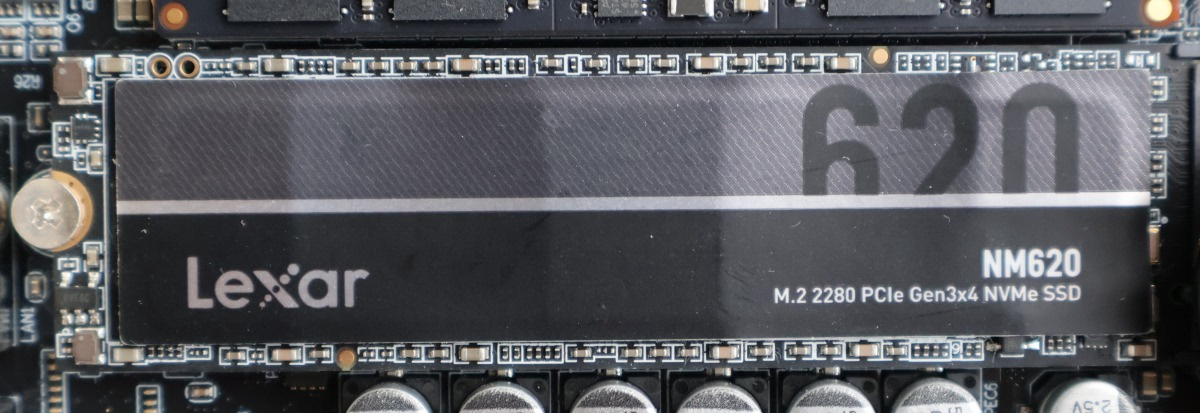
For the tests, I used 3 cheap SSDs from Jazer, SomnAmbulist, and Walram, and only Walram seems to be a more established Chinese brand offering basic to more modern SSDs. As a reference point, I used Lexar NM620 - entry-level DRAM-less SSD (and most Lexar offerings tend to get good reviews).
- Lexar NM620: PCIe 3.0 x4; 512GB; DM620 controller (and other in newer revisions)
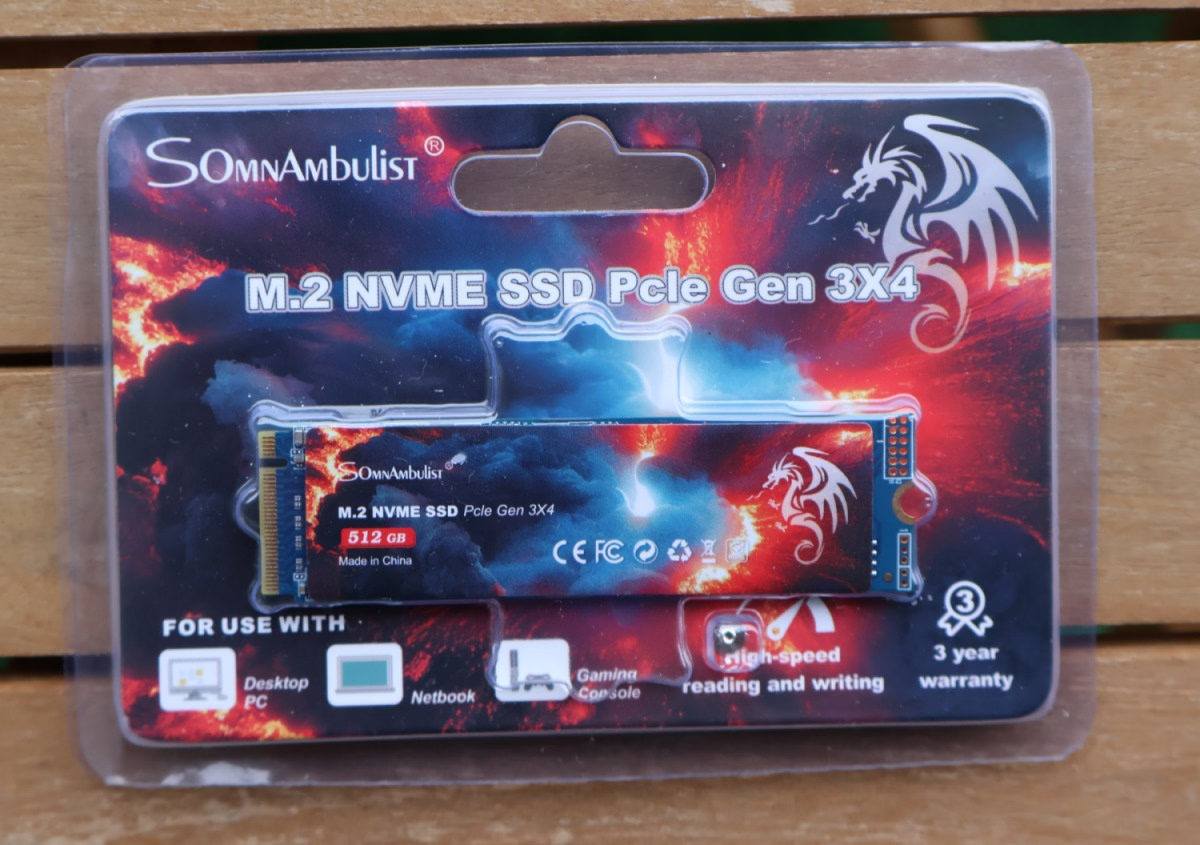
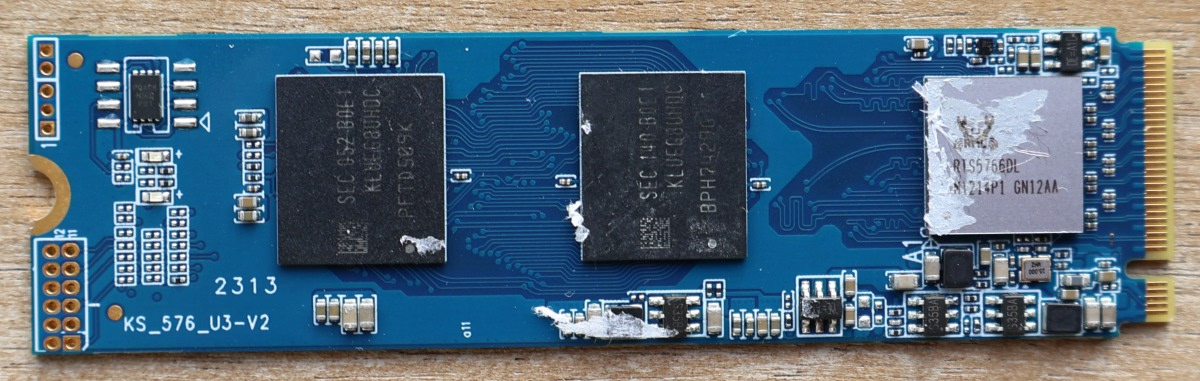
- SomnAmbulist: PCIe 3.0 x4; 512GB; Realtek RTS 5766DL controller
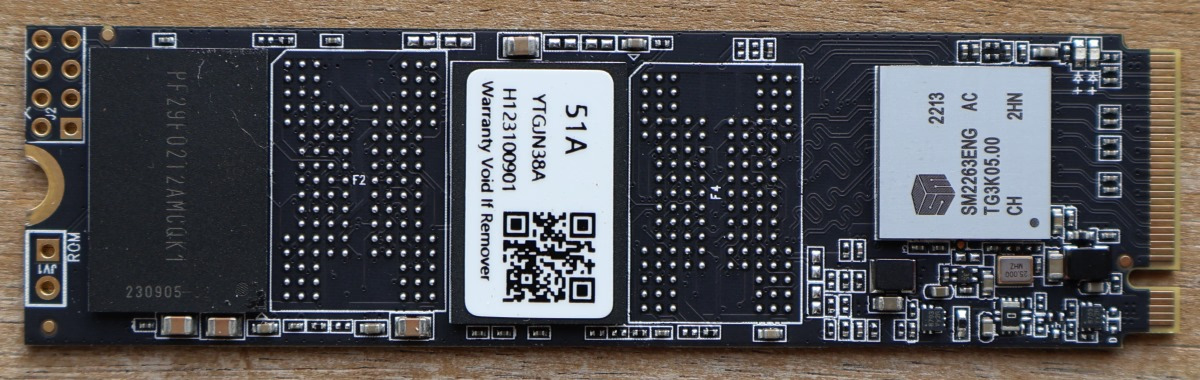
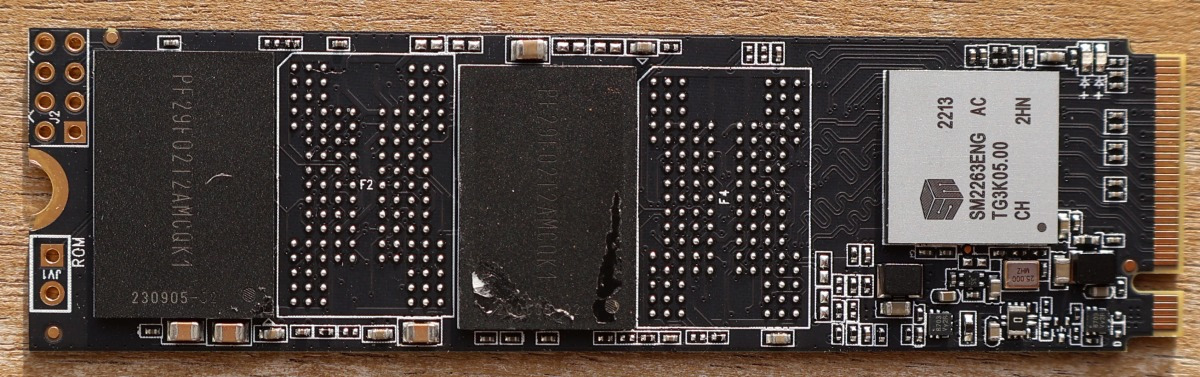
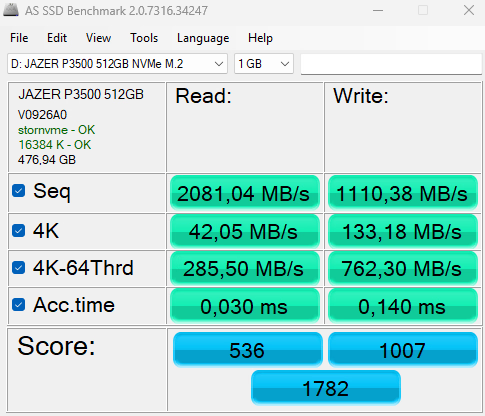
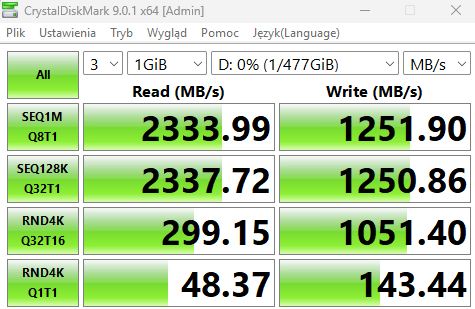
- Jazer P3500: PCIe 3.0 x4; 512GB; SMI SM2263 controller
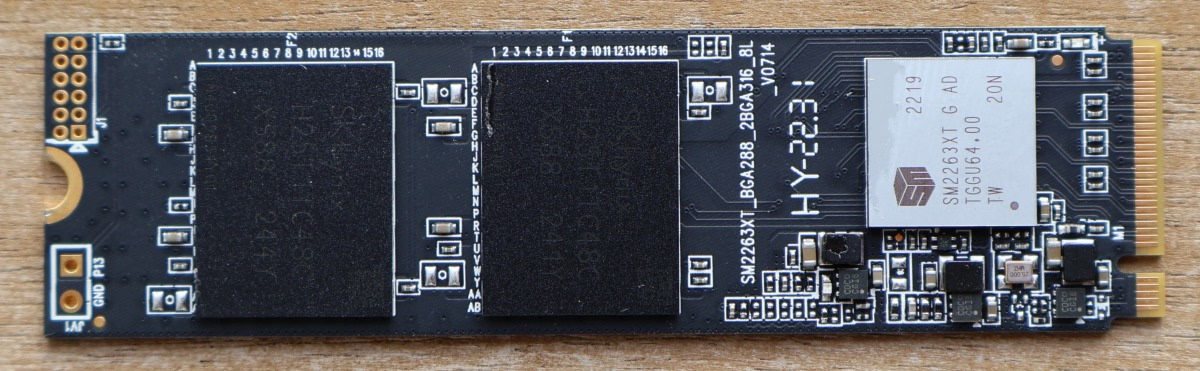
- Walram : PCIe 3.0 x4; 512GB; SMI SM2263XT controller
All of those SSDs represent a budget range of storage devices. The 3 no-name
drives were purchased for around $30 each more than a year ago to be used as cheap test/temporary drives. They are DRAM-less SSDs, meaning they don't have a RAM/HBM memory chip on board to store the FTL mapping table or cache incoming data. This offers less performance but makes the drive cheaper to make.
SSDs have so-called Flash Translation Layer
(FTL), which maps where data is stored on the NAND Flash. If the system wants to read a file, then the SSD has to read specific blocks on NAND flash and return the data. FTL maps files to their location on NAND Flash. Having this mapping table in RAM makes operations quicker (especially random read/write operations). Nowadays, DRAM-less SSDs use system RAM to store this mapping table thanks to Host Memory Buffer
(HMB), which helps with performance but not to the extent of having native DRAM cache on the drive.
Another use of on-drive memory is to cache incoming data. The data can be sent to the drive faster than what the drive can write to selected NAND chips, thus DRAM-less SSDs drop sustained write performance after a while. For things like gaming, the SSD is mostly read from, so it's not that impactful, but for some productivity use cases, this can be problematic. Memory can also be used to cache multiple small write operations and then write them in more optimal way.
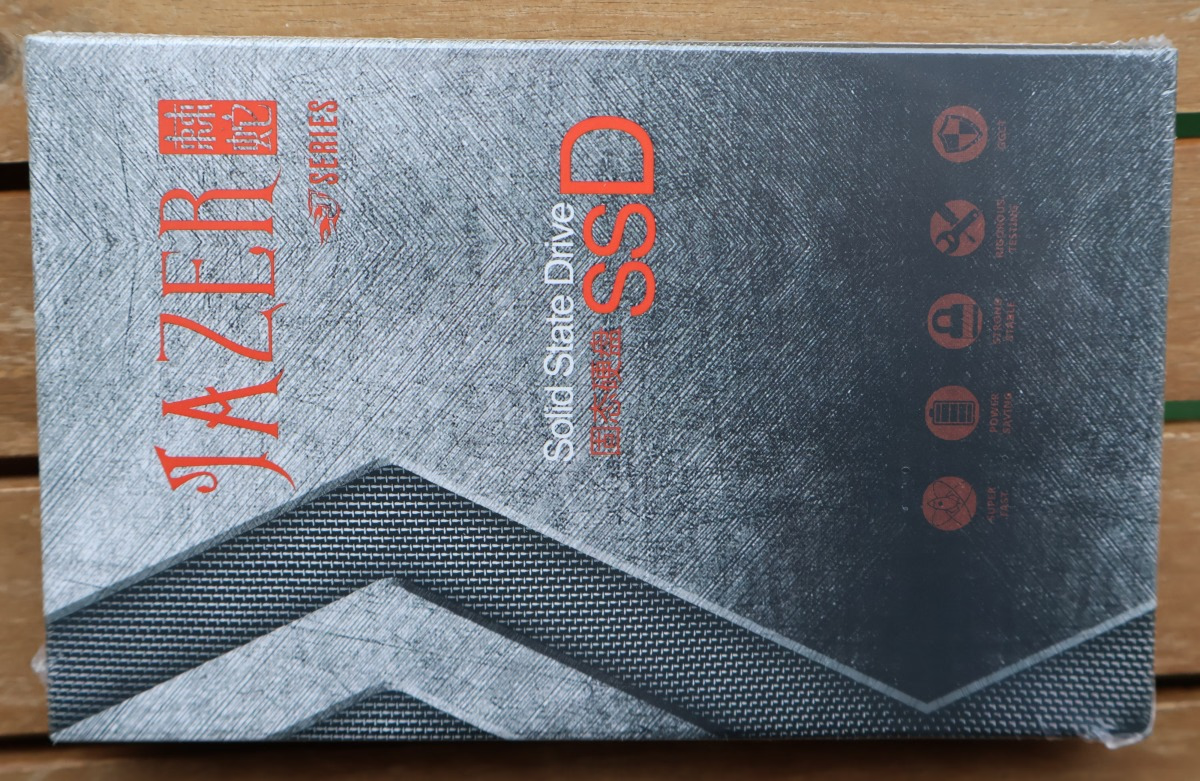
Jazer P3500
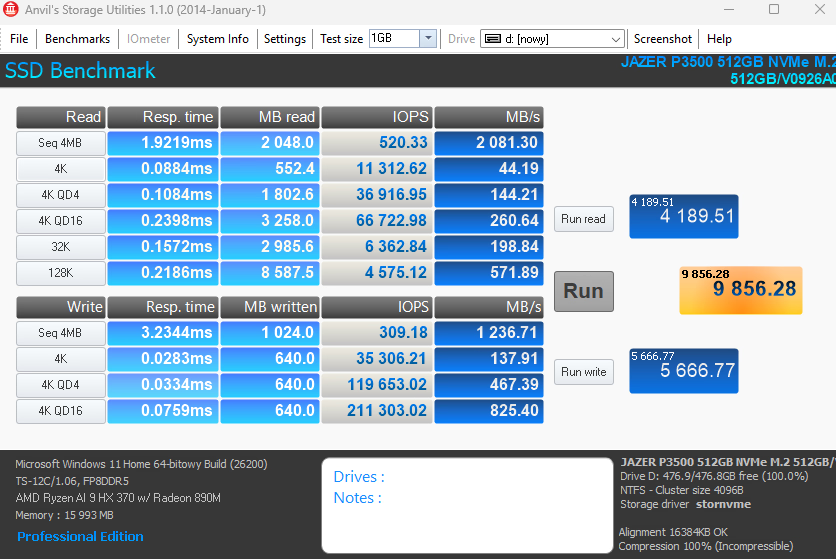
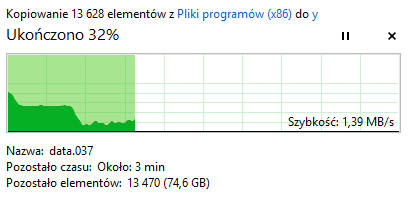
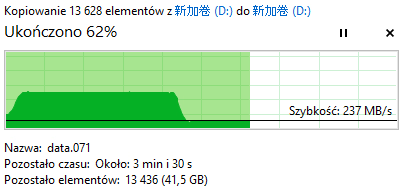
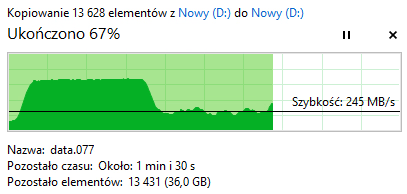
The Jazer brand seems the least common among the tested drives. I can't even find the listings for the SKU I bought months ago. The drive does work, but had the biggest problems with sustained writes of all the drives - it struggled with copying World of Warcraft install even before reaching 50% of capacity.
SomnAmbulist
Aside from the funny name, this brand is used for some SSDs, SD cards, and flash drives. It's not popular or established. The drive worked better than Jazer, but still without giving an example.
Walram
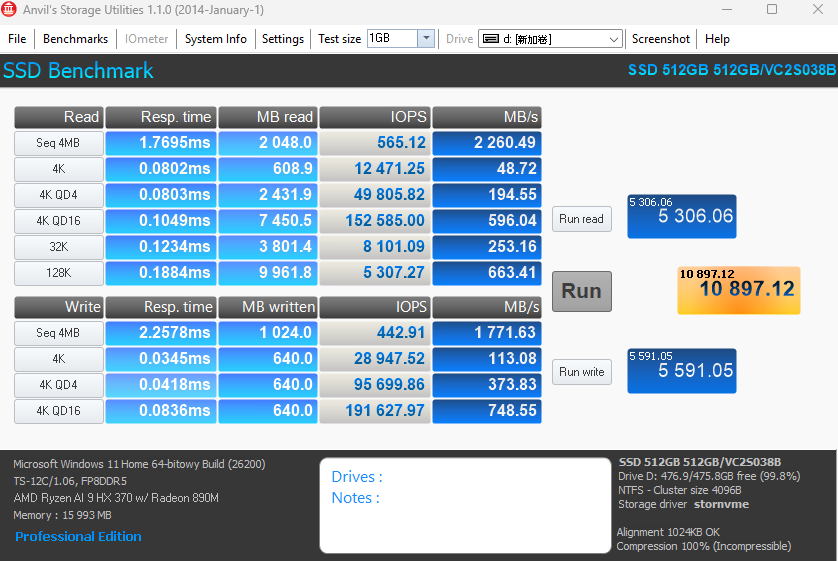
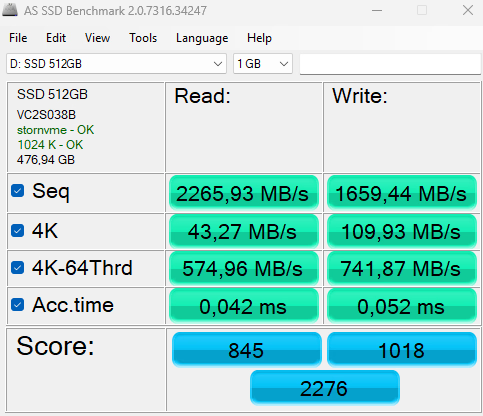
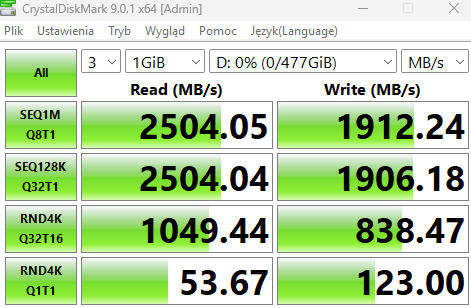
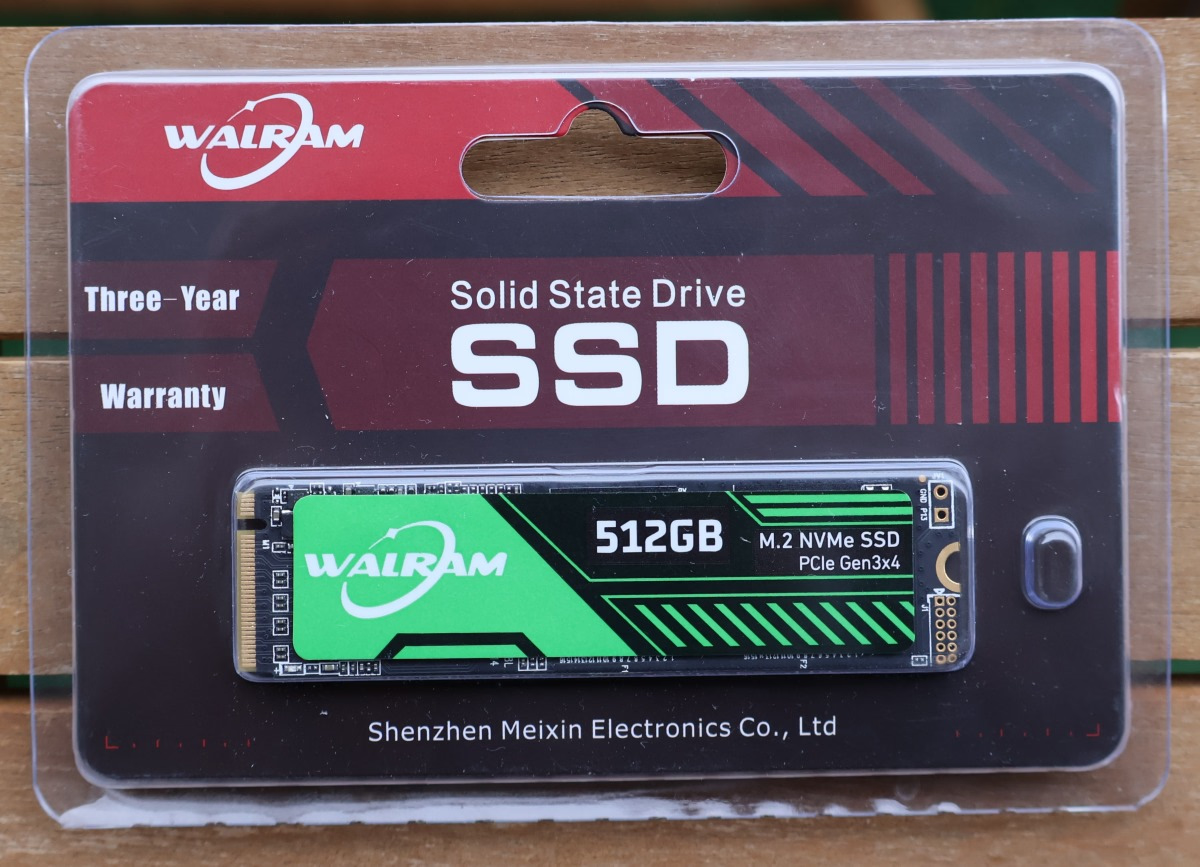
Walram is a more established brand offering SSD, RAM, and other PC components. The SSD range also spans from entry-level to the latest generations. I got a basic one, with a green sticker, but without a dedicated model number.
Lexar NM620
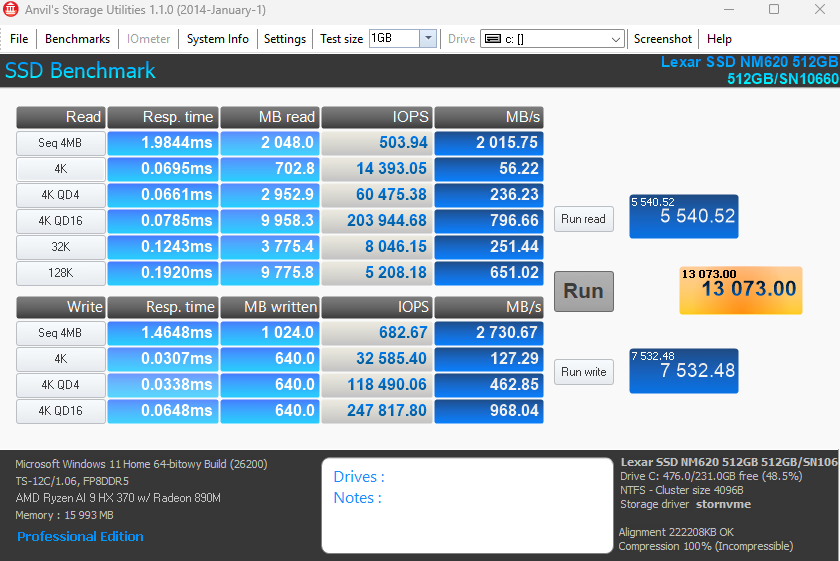
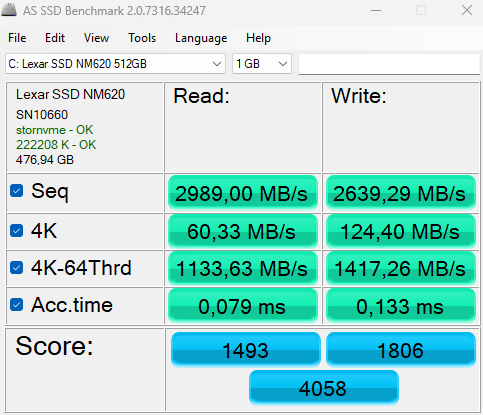
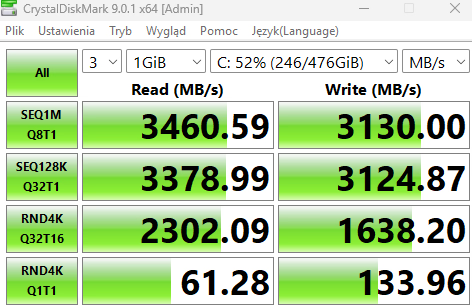
Lexar offers a wider range of budget and mid-range SSDs, plus some high-performance ones. I used this one as the system drive in the test, with ~52% of the drive used.
Benchmarking
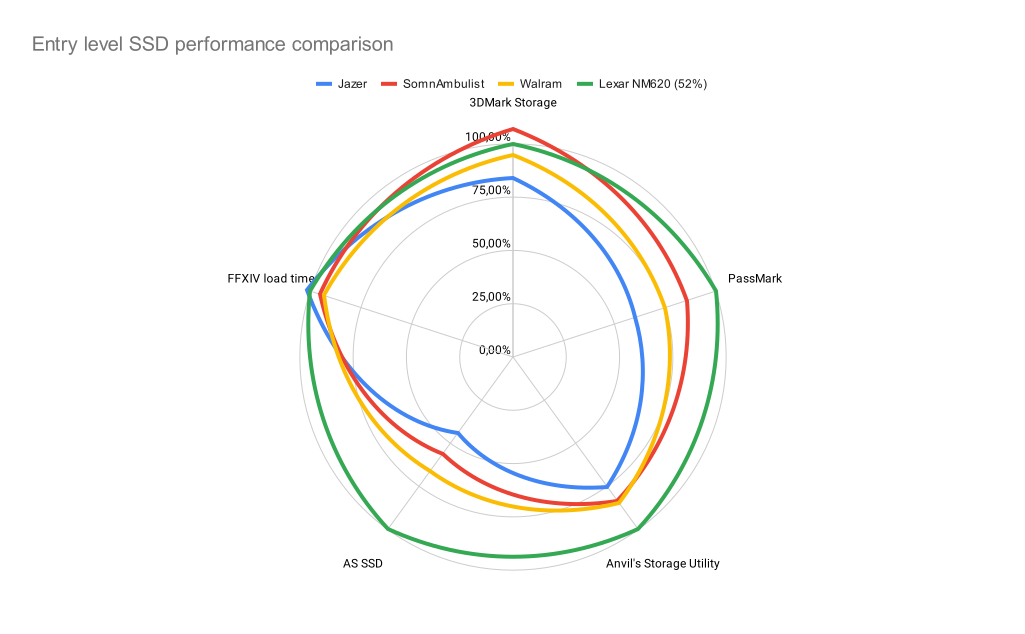
For the tests, I used Topton TOPC miniPC with Ryzen HX 370 and two M.2 slots (PCIe 4.0 x4) running the latest Windows 11. The comparison charts look like so:
| Jazer | SomnAmbulist | Walram | Lexar NM620 | WD SN740 | |
|---|---|---|---|---|---|
| 3DMark Storage (score) | 1472 | 1872 | 1662 | 1752 | 2804 |
| PassMark Storage (score) | 12758 | 18171 | 15905 | 21194 | 35039 |
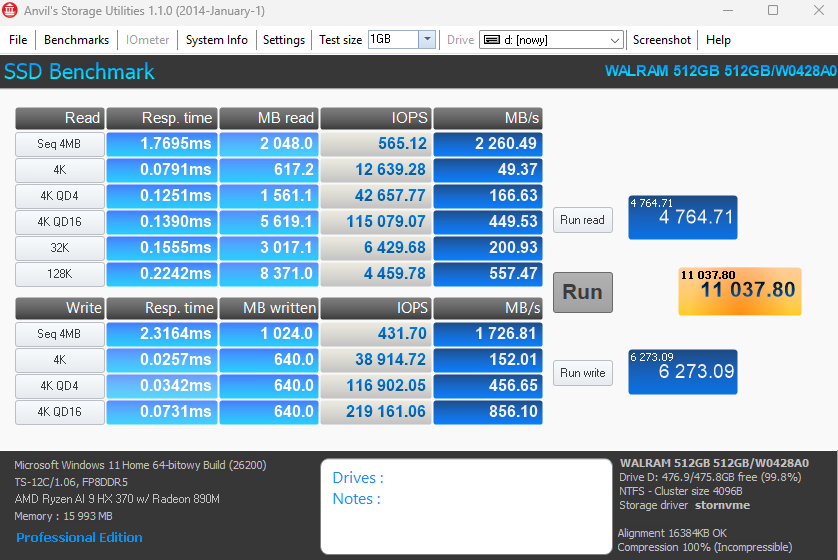
| Anvil's Storage Utility (score) | 9856 | 10897 | 11037 | 13073 | 16692 |
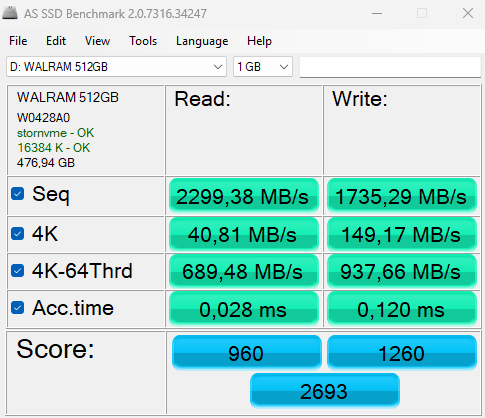
| AS SSD (score) | 1782 | 2276 | 2693 | 4058 | 6907 |
| FFXIV load time (seconds) | 11,83 | 11,1 | 10,86 | 11,63 | 10,9 |
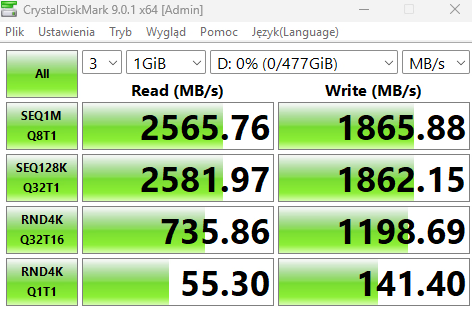
All benchmarks except FFXIV load time are the-higher-the-better, while the loading time obviously is shorter-better. Lexar looks like the winner, although the 3DMark gaming storage benchmark or FFXIV loading times show the smallest differences.
For another comparison, I've added a 2TB WD SN740 SSD, which is a small 2230 form-factor, often used in various handhelds that can't use full-size SSDs:
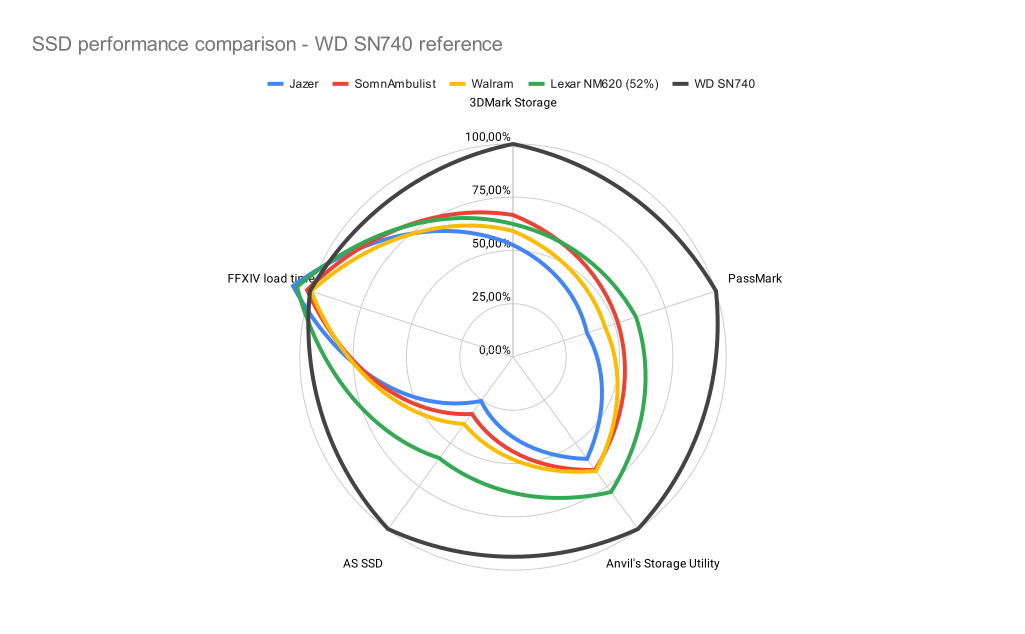
With 70-80% of the SSD used, the performance drops by a small amount. Jazer drops by 10% on average and almost 40% in AS SSD. SomnAmbulisty drops by a few percent, with nearly 10% in 3DMark. Walram had the smallest performance degradation of around 2-3%.
Summary
Cheap SSDs can work, but you shouldn't trust them when it comes to reliability and performance. No-name drives don't really have any warranty, while most basic DRAM-less drives will be good for light use or read-focused gaming. If you want something cheap for the main drive, secondary drive - check reviews and their summaries showcasing if it's a good value or not - for your main drive, you want a better SSD that will keep its performance over time and as it fills up. Some cheap drives struggle with that - they offer good performance as secondary storage, but start lagging when under more load as the main drive.
Commercial benchmarks like PC Mark 10 Quick showcase if the SSD is good for light use, PC Mark Full benchmark tests SSDs for use as system drives, while PC Mark consistency tests check if the drive will keep its performance or degrade quickly.
Capacity also matters (or directly the amount of NAND cells) as the more NAND cells, the more options to store data quicker, and more cells available when some of them inevitably fail. Your main drive likely should start at 1TB. 512GB is good if you aren't planning to store that much data to get it close to full (as in 70-80% used).
Comment article